

How do I install the PWA for Android?
-
01
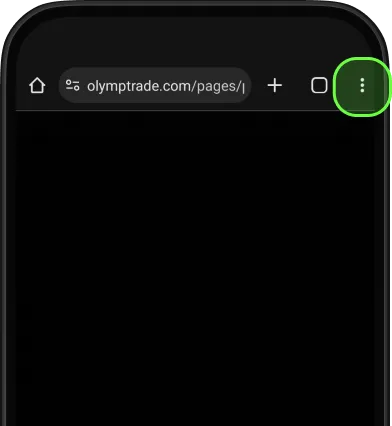
Tap three dots to open menu
-
02
Choose
Add to Home Screen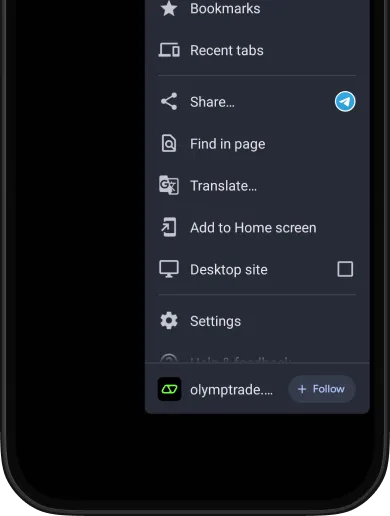
-
03
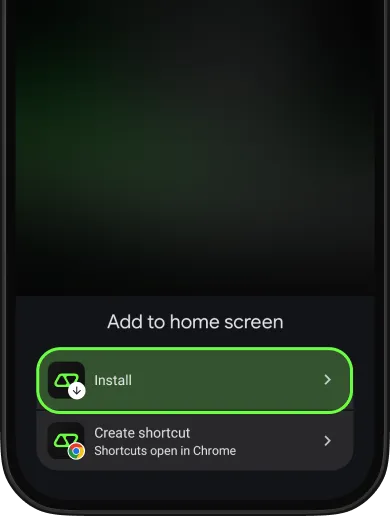
Confirm by tapping Install
-
04
You'll see
the success notification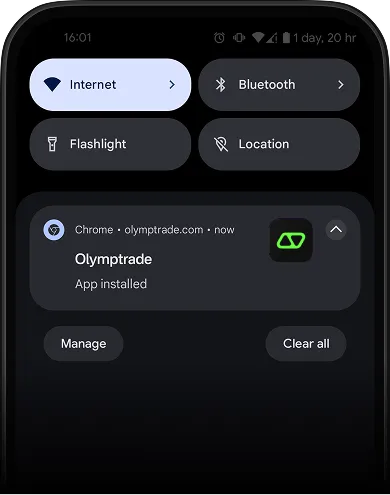
-
05
Enjoy trading
with the PWA app
right on your Home Screen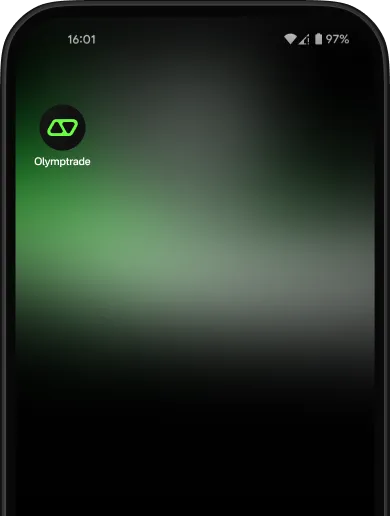
FAQ
If you couldn't find an answer to your question, our 24/7 support team will be happy to help you.
If you couldn't find an answer to your question, our 24/7 support team will be happy to help you.
If you couldn't find an answer to your question, our 24/7 support team will be happy to help you.


